ACESFilm 2.2+ LUTs for Substance Painter
Gumroad: https://gumroad.com/l/feifS
AS Marketplace: https://www.artstation.com/a/3869019
ACES LUTs to bring ACES science into Substance Painter. It will function the same as the ACES RRT so you get the characteristic ACES filmic look; filmic contrast, nice highlight rolloff, desaturated highlights, and ACES colorimetry. Additionally some popular non-ACES filmic LUTs matching other application tonemappers.
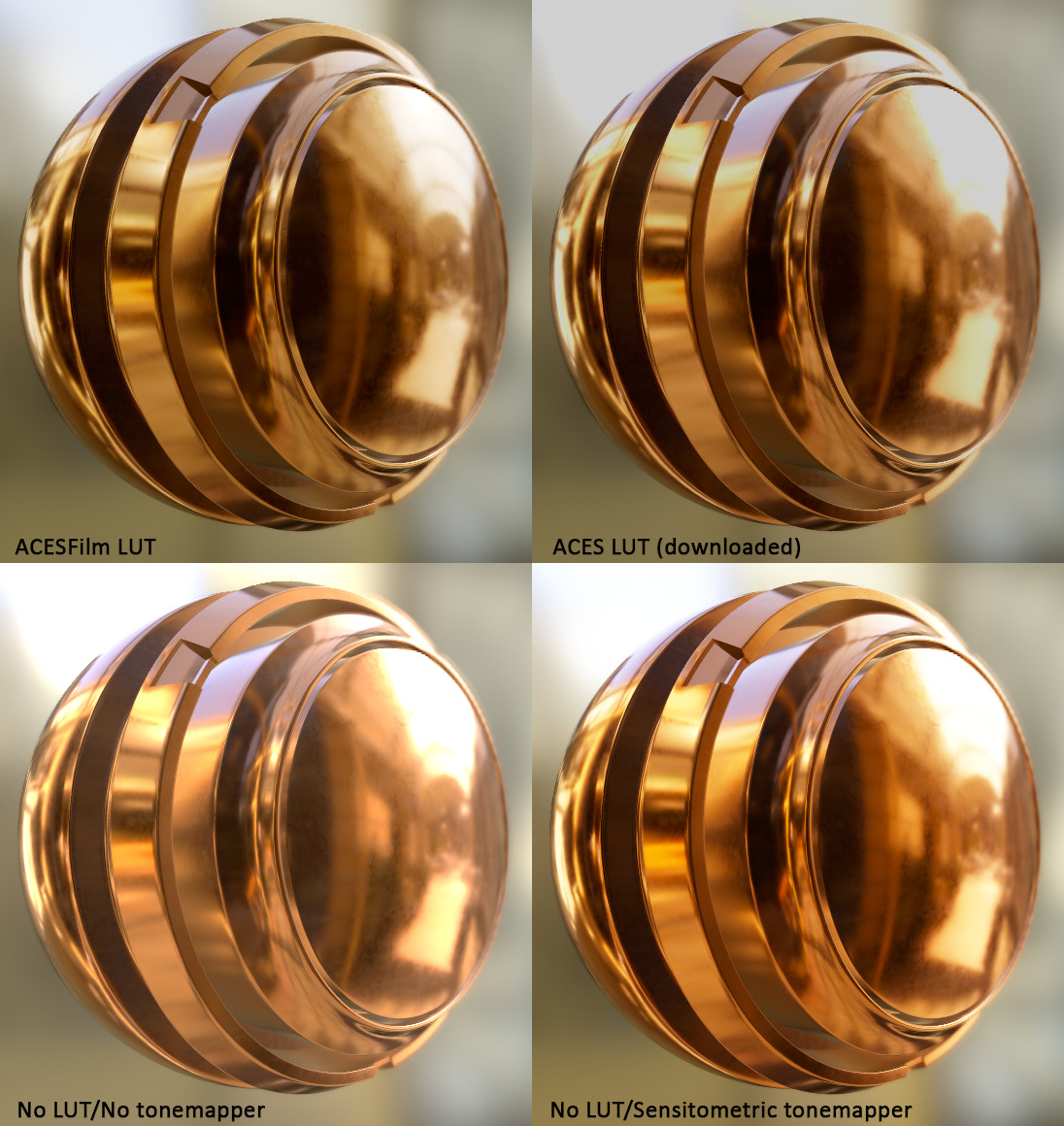
1) ACESFilm LUT with good highlights rolloff, 2) ACES LUT with clamped highlights (BrianLeleux already fixed it) 3) Substance Painter default mode, 4) and with the sensitometric tonemapper (notice the high saturation)

Copy the ACESFilm.exr to Substance Painter's colorluts\Classic folder. In the Camera Settings panel check "Activate Color Profile" and load the LUT, finally enable Post Effects Tone Mapping and select the Log function transform. Play with Gamma.
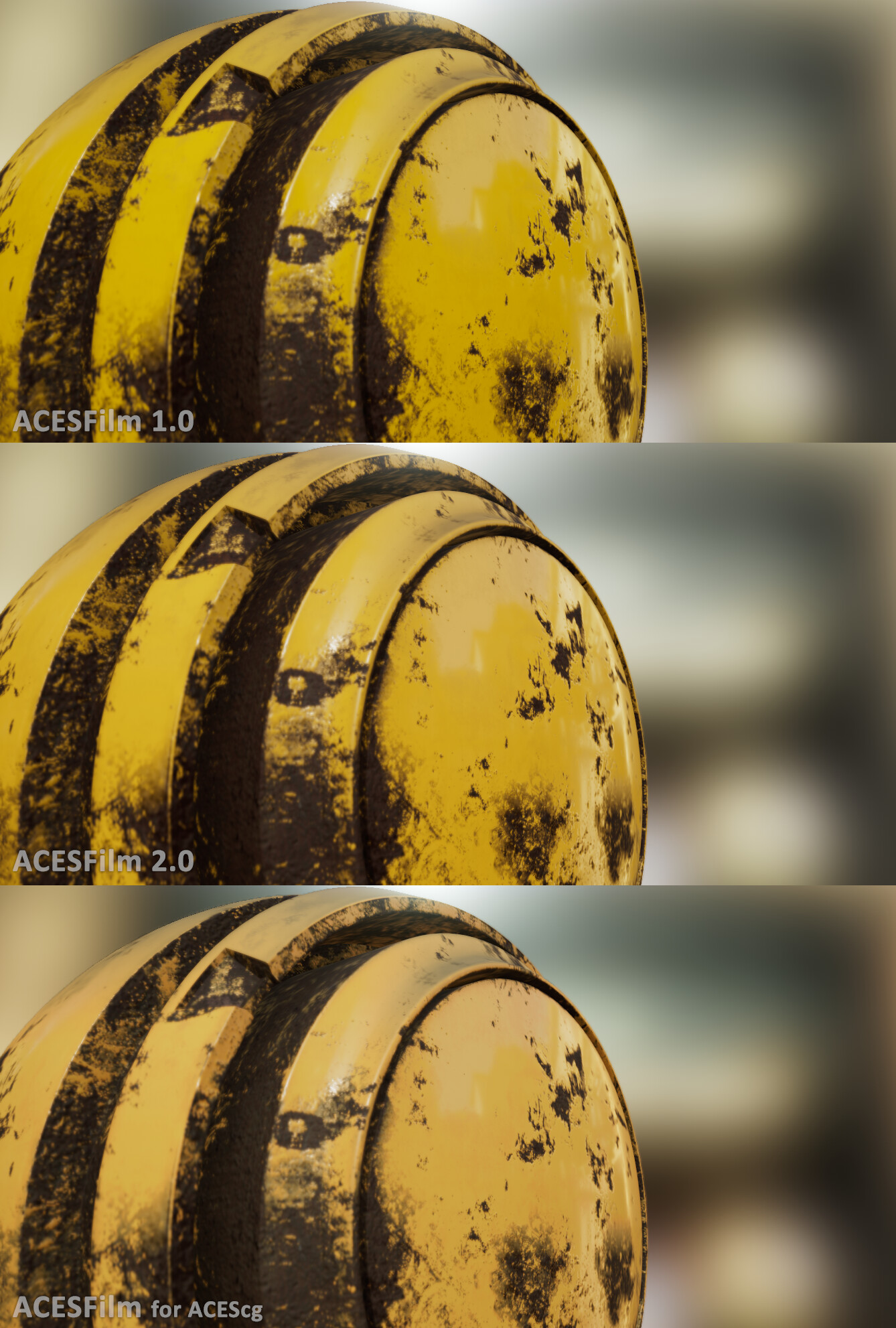
Comparison with newer version of ACESFilm (better colorimetry) and the newly added "ACESFilm for ACEScg" luts (sRGB and P3-D60 ODT versions) to use with my Substance Painter "ACES_ACEScg" filter (a more correct workflow)

The 4 new tonemappers -for a non-ACES workflow- back to back. 2 dark, 2 bright; 2 flat, 2 filmic. Using studio05 environment without post-processing. The Filmic Tonemappers are also included as a .frag file to use in Marmoset Toolbag