UOZA Production Pies 2.3 for Blender
Production oriented QoL Accessibility, Selection and Visibility tools for an advanced and intuitive modeling workflow. It's based on gesture oriented Pie Menus and blends nicely with either Speedflow, HOPS or Decalmachine addons. Special mention to a true-to-Maya "Component Pie Menu".
In total 5 Pies and 10 brand new operators along several others to speed up a production modeling workflow in fullscreen viewport.
Gumroad:
https://gumroad.com/l/BceiW
Support thread:
https://blenderartists.org/t/1191616

True-to-Maya "Component + Transform Pie" (RMB). Directly enter component mode or transform for the object under the mouse. Mod keys add or subtract to the operation.

"Unhide Last" (Alt+H) operator.
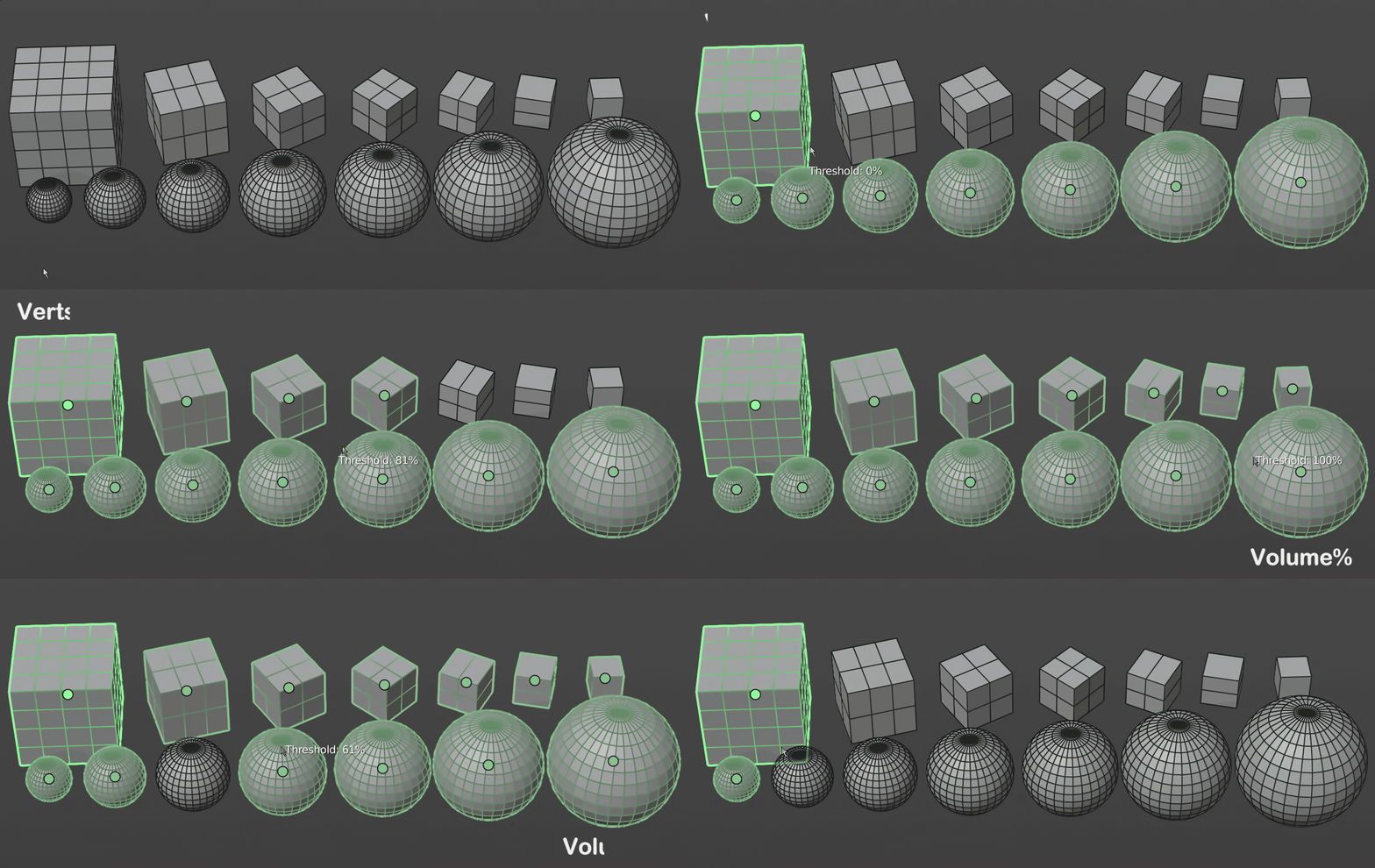
"Select Similar" operator in Smart Selection Pie. Single or multi object. Use "V" to toggle mode.

"Wheel Roll Subdivision" operator - Intuitive way to subdivide mesh with Simplify soft limit and an internal hard limit with editable optimized edge lines (Maya like).

"Hierarchy Select/Navigate", use the 4 arrow keys or Shift+MouseWheel. Due for v2.2 (TBA).

Smart Align Pie. View referred object align pie.

"Select Cast" operator in Smart Selection Pie (C). Replaces the barely working Select Circle (in object mode) with this new one. (fyi, in gif steps are locked).

"Smart Isolate" shown in Smart Selection Pie (C). Keeps lights on to visualize the whole model, or "turn them off" with Types Visibility Pie Menu (see bottom).

Edit Mode - Smart Selection Pie (C). 4 tuned operators, Select Random (interactive slider), Isolate component, Select Border (now split up from S.Boundary) and Focus Out (ignores non-meshes or non current types).

"Force Autosave" and "Open Last" operators, merged into MACHIN3Tools Save Pie Menu (Ctrl+S).

Gesture based Collection Pie Menu (Shift+X). Decalmachine "Decals" and HOps "Cutters" are pinned to Pie's Coll 1 and 2 buttons (if existent).

ZToggle Pie Menu (Z). Workflow and Gesture oriented shading Pie menu based on toggles saving you from digging into submenus.


Uoza - Hide/Lock Pie (F). “Object Types Visibility” dropdown button made into a Pie with a twist, hold Shift to operate except on chosen type. It also works as Selection Masks.